1
Upload Your JPG
Drag and drop any JPG or JPEG photo - portraits, products, artwork, logos. Supports files up to 10MB.
Convert any JPG or JPEG photo to clean SVG vector format. AI handles background removal, lineart extraction, and vectorization automatically.
Updated · Free · No signup
Drop your photo here
or click to browse
PNG, JPG, WEBP up to 10MB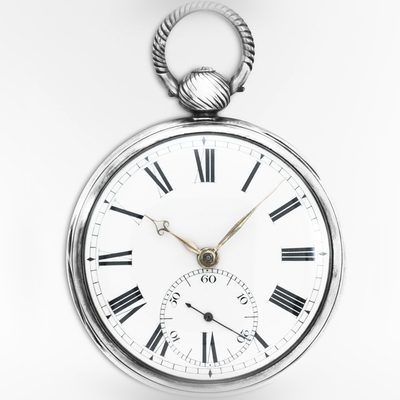
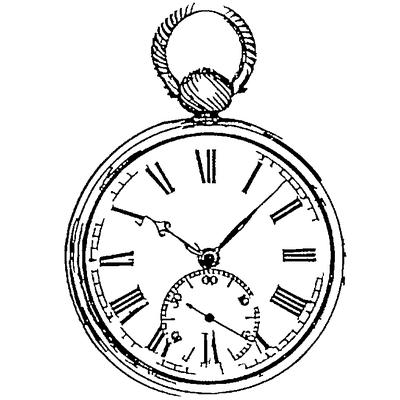
AI handles the complex image processing automatically
Drag and drop any JPG or JPEG photo - portraits, products, artwork, logos. Supports files up to 10MB.
Crop to the area you want to vectorize. Good cropping dramatically improves the quality of the final vector.
Our AI removes the JPEG background, extracts clean lineart, filters compression artifacts, and generates smooth vector paths.
Get a clean, scalable SVG file ready for editing, printing, cutting, engraving, or web use.
JPEGs often have compression artifacts that ruin simple tracing tools. Our AI filters these artifacts and produces clean vectors despite lossy source files.
Control detail level and line sensitivity. Dial back detail for simple designs or increase it for complex portraits and illustrations.
Trained specifically on photographs, our AI understands faces, objects, and natural scenes. It preserves the important features that make your subject recognizable.
No downloads or installations needed. Convert JPG to SVG right in your browser on any device - desktop, tablet, or phone.
Use our built-in lineart editor to clean up, add details, or remove unwanted elements before downloading your SVG.
Compatible with Adobe Illustrator, Inkscape, Figma, Cricut Design Space, LightBurn, and every tool that accepts SVG files.
Convert JPEG portraits into vector art for gifts and merchandise.
Learn more →JPEG uses lossy compression that introduces artifacts - blocky patterns and color bleeding especially around edges. Our AI is specifically trained to recognize and filter these artifacts, producing clean vectors even from heavily compressed JPEGs.
Higher resolution JPEGs produce better vectors because the AI has more detail to work with. We recommend at least 800x800 pixels for good results. Phone camera photos typically work very well due to their high resolution.
Yes, the AI does a good job extracting handwriting and text from photos. For best results, photograph your handwriting against a plain white background with even lighting to maximize contrast.
The SVG will be a clean lineart or silhouette version of your photo, not a pixel-perfect copy. Vector conversion extracts the important lines and shapes, producing an artistic interpretation that works perfectly for cutting, engraving, and design.
Crop tightly to your subject, choose a simpler output style such as Silhouette, and use the built-in editor to clean up any artifacts. Even low-quality JPEGs can produce usable vectors with the right settings.
Upload your image now and get a professional vector file in seconds